
If you’re searching for reliable guidance on linux open-source games, performance tweaks, and Proton compatibility, you’re likely tired of scattered advice and outdated forum threads. This article is built to give you a clear, practical roadmap—covering essential tools, optimization strategies, and compatibility tips that actually improve your gaming experience on Linux.
From boosting frame rates with targeted system tweaks to understanding how Proton layers interact with different distributions, we break down what works, what doesn’t, and why. Whether you’re fine-tuning drivers, configuring launch options, or exploring the best open-source titles available today, you’ll find actionable steps you can apply immediately.
Our insights are grounded in hands-on testing across multiple Linux environments, real-world performance benchmarking, and deep familiarity with open-source ecosystems. The goal is simple: help you get smoother gameplay, better stability, and a more powerful Linux gaming setup without the guesswork.
What is Open-Source Gaming? The Core Principles
At its core, open-source gaming is built on FOSS—Free and Open-Source Software. “Free” doesn’t just mean zero cost (though that’s nice); it means freedom to use, study, modify, and distribute the code. In gaming terms, players can tweak mechanics, fix bugs, or even create entirely new experiences. Think of it as modding, but without locked doors.
That said, definitions can blur. Some projects are fully open; others mix open code with proprietary assets. The line isn’t always perfectly clear—and that’s part of the ongoing debate in the community.
Meanwhile, the real engine behind linux open-source games is the community. Volunteer developers, artists, and testers collaborate across forums and repositories, often driven by passion rather than profit (yes, it’s more indie band than blockbuster studio).
For gamers, the benefits are practical: no cost barriers, no DRM restrictions, stronger security through transparent code, and the power to contribute fixes directly. Pro tip: checking a project’s commit history reveals how actively it’s maintained.
Top-Tier Open-Source Games by Genre
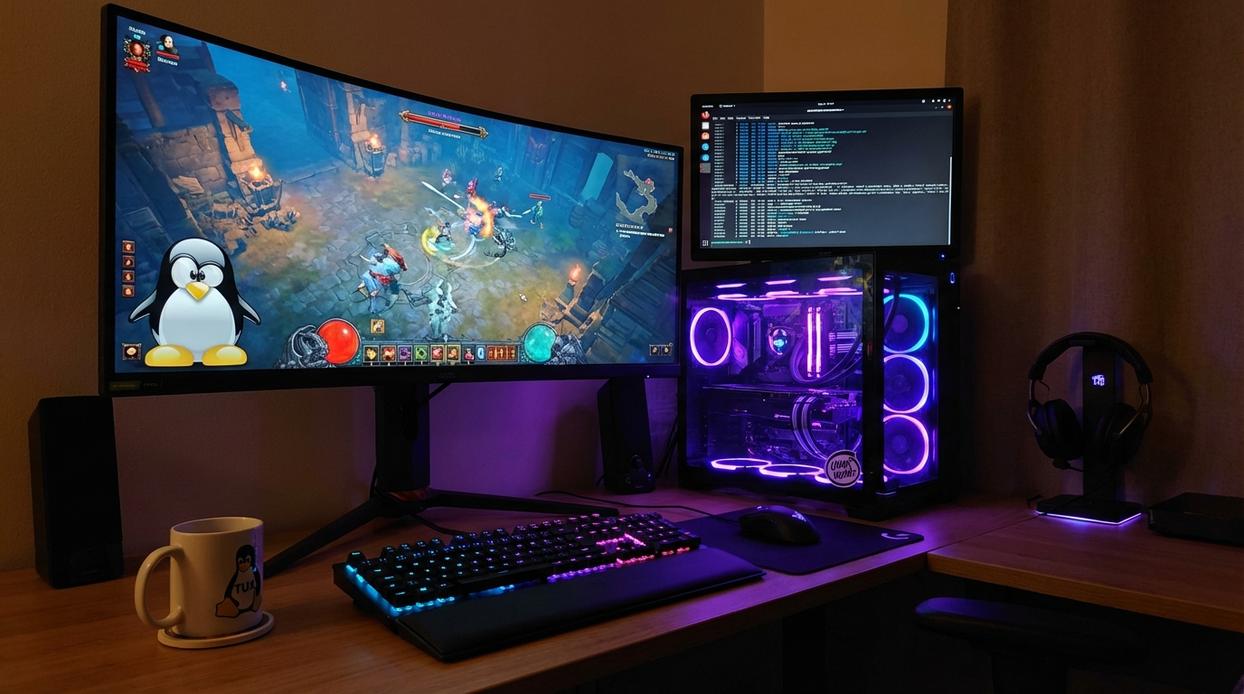
Open-source gaming has evolved far beyond hobby projects. Today, some titles rival commercial releases in depth and polish. Still, skeptics argue that open-source games lack refinement or player bases. That can be true in niche cases—but several standout projects prove the opposite, especially if you know where to look.
First-Person Shooters (FPS)
Fast-paced FPS games emphasize reflexes and map control. Xonotic delivers arena-style combat reminiscent of Quake (yes, rocket jumping included). Red Eclipse adds parkour-inspired movement, letting you wall-run and vault across maps. Meanwhile, AssaultCube runs smoothly on low-spec systems, making it ideal for older hardware.
If you’re optimizing performance on Linux, lowering shadow quality and disabling VSync can noticeably reduce input lag.
Strategy & Simulation (RTS/TBS)
Strategy titles reward planning over reflexes. 0 A.D. is a historical real-time strategy game similar to Age of Empires, featuring resource management and large-scale battles. The Battle for Wesnoth, a turn-based strategy game, shines with deep faction balance and a massive community campaign library. Mindustry blends tower defense with factory automation—think Factorio with waves of enemies.
Some critics argue that AI in open-source strategy games feels predictable. However, higher difficulty settings and multiplayer modes often solve that concern.
Racing & Flight Simulators
SuperTuxKart delivers tight arcade racing mechanics comparable to Mario Kart (minus the blue shell rage). On the simulation side, FlightGear offers hyper-realistic aerodynamics, real-world airport data, and detailed cockpit systems. Be prepared for a learning curve—this isn’t casual flying.
Role-Playing & Adventure (RPG)
Veloren, a voxel-based multiplayer RPG, features open-world exploration, crafting, and cooperative combat. While still evolving, its transparency allows rapid improvements driven by community feedback.
When exploring linux open-source games, focus on active development communities, regular updates, and mod support. These factors often matter more than flashy graphics. Ultimately, the best choice depends on your preferred genre—and your willingness to experiment.
Getting Started: Essential Tools and Launchers
Package Managers
The fastest way to install games on Linux is through your distro’s package manager—the built-in system that downloads, verifies, and updates software from trusted repositories. Think of it as an app store without the clutter (and without ads nudging you toward “premium skins”).
Examples:
- Debian/Ubuntu:
sudo apt install supertuxkart - Arch:
sudo pacman -S 0ad - Fedora:
sudo dnf install minetest
Unlike third-party installers, these packages are tested against your system libraries, reducing dependency conflicts—a detail many guides skip.
Flatpak and Flathub
Flatpak is a sandboxed packaging format, meaning apps run in isolated environments. This prevents system breakage and ensures up-to-date versions regardless of your distro’s release cycle. Flathub, its main repository, often provides newer builds than official repos.
This is especially useful for linux open-source games that update frequently. Pro tip: enable Flatpak permissions management with Flatseal to fine-tune access control.
Dedicated Game Launchers
For broader control, use Lutris, which aggregates Steam, GOG, emulators, and Wine setups into one interface. It handles custom runners—something competitors rarely explain in depth.
Itch.io’s launcher excels for indie discovery and experimental titles.
If you’re curious about licensing nuances behind these projects, read how open source licenses impact game development.
Optimizing Your System for Peak Performance
Graphics drivers are the foundation of smooth gameplay. NVIDIA users should install the latest proprietary drivers, which include performance patches and Vulkan updates that directly impact frame rates. AMD and Intel players benefit from the newest Mesa releases, where open-source contributors continually refine shader compilation and driver efficiency. (Yes, drivers really do matter that much.)
Feral Interactive’s Gamemode is a lightweight daemon that automatically switches your CPU governor to performance, adjusts I/O priority, and can apply custom scripts while a game runs. The result? Lower latency and more consistent FPS without manual tinkering. Pro tip: launch games with gamemoderun to ensure activation.
Finally, consider a performance-oriented kernel like XanMod or Liquorix, tuned with scheduler tweaks that reduce stutter in demanding linux open-source games. Keep your system updated to capture ongoing kernel and Proton improvements that translate into measurable gains. Small changes add up fast.
Level Up Your Linux Gaming Experience
You came here looking for clarity on how to get the best performance, compatibility, and overall experience from your Linux setup—and now you have the roadmap to make it happen.
From optimizing Proton and fine-tuning system performance to choosing the right tools for smoother gameplay, you’re no longer stuck troubleshooting in the dark. The frustration of lag, crashes, and unsupported titles doesn’t have to define your experience with linux open-source games.
The difference between a decent setup and a powerful one comes down to informed tweaks and the right compatibility strategies. When you apply these performance adjustments and optimization tips, you unlock the true potential of your system.
Now it’s time to take action. Start implementing these tweaks today and transform your setup into a high-performance Linux gaming machine. If you want trusted, in-depth breakdowns and proven optimization strategies that gamers rely on, explore our latest guides and step-by-step tutorials now. Don’t settle for subpar performance—optimize your system and start gaming the way it was meant to run.
 Content Strategist & Linux Gaming Researcher
Ask Anitaca Russelloren how they got into linux performance tweaks and you'll probably get a longer answer than you expected. The short version: Anitaca started doing it, got genuinely hooked, and at some point realized they had accumulated enough hard-won knowledge that it would be a waste not to share it. So they started writing.
What makes Anitaca worth reading is that they skips the obvious stuff. Nobody needs another surface-level take on Linux Performance Tweaks, Proton Compatibility Insights, Linux Setup Optimization Tips. What readers actually want is the nuance — the part that only becomes clear after you've made a few mistakes and figured out why. That's the territory Anitaca operates in. The writing is direct, occasionally blunt, and always built around what's actually true rather than what sounds good in an article. They has little patience for filler, which means they's pieces tend to be denser with real information than the average post on the same subject.
Anitaca doesn't write to impress anyone. They writes because they has things to say that they genuinely thinks people should hear. That motivation — basic as it sounds — produces something noticeably different from content written for clicks or word count. Readers pick up on it. The comments on Anitaca's work tend to reflect that.
Content Strategist & Linux Gaming Researcher
Ask Anitaca Russelloren how they got into linux performance tweaks and you'll probably get a longer answer than you expected. The short version: Anitaca started doing it, got genuinely hooked, and at some point realized they had accumulated enough hard-won knowledge that it would be a waste not to share it. So they started writing.
What makes Anitaca worth reading is that they skips the obvious stuff. Nobody needs another surface-level take on Linux Performance Tweaks, Proton Compatibility Insights, Linux Setup Optimization Tips. What readers actually want is the nuance — the part that only becomes clear after you've made a few mistakes and figured out why. That's the territory Anitaca operates in. The writing is direct, occasionally blunt, and always built around what's actually true rather than what sounds good in an article. They has little patience for filler, which means they's pieces tend to be denser with real information than the average post on the same subject.
Anitaca doesn't write to impress anyone. They writes because they has things to say that they genuinely thinks people should hear. That motivation — basic as it sounds — produces something noticeably different from content written for clicks or word count. Readers pick up on it. The comments on Anitaca's work tend to reflect that.