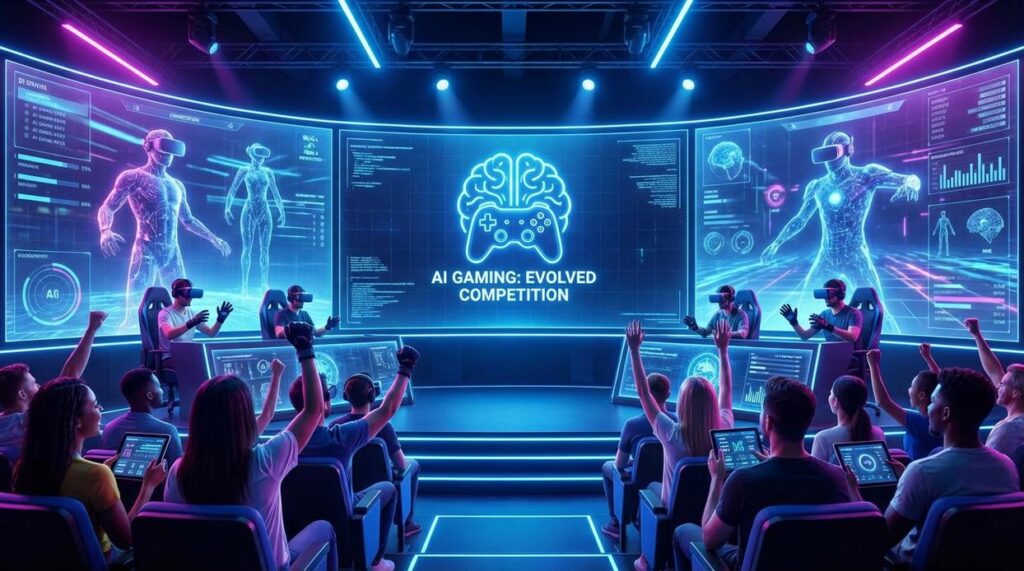
If you’re searching for a clear, practical understanding of artificial intelligence in software industry, you’re likely trying to separate real-world impact from marketing hype. Developers, tech leaders, and curious professionals all face the same challenge: AI is evolving fast, but knowing how it actually shapes software development, deployment, and performance optimization isn’t always straightforward.
This article breaks down how AI is being integrated into modern software workflows, from automated testing and code generation to performance tuning and intelligent user experiences. Instead of broad predictions, we focus on tangible applications, measurable benefits, and current limitations.
To ensure accuracy, this guide draws on current industry research, documented case studies, and hands-on analysis of AI-driven development tools. The goal is simple: give you a grounded, up-to-date overview of how AI is transforming the software landscape—and what that means for developers and organizations right now.
The New Co-Pilot: AI’s Integration into the Development Lifecycle
I still remember the first time I let an AI assistant refactor a messy function I’d been wrestling with for hours. What would’ve taken me an afternoon was cleaned up in minutes (and yes, I double-checked every line). That moment made it clear: this wasn’t hype. It was a shift.
Code Generation & Assistance
Tools like GitHub Copilot and Tabnine act as real-time collaborators, suggesting everything from boilerplate setup to complex algorithms. Boilerplate refers to repetitive, predictable code—think authentication handlers or CRUD operations—that developers rewrite across projects. By automating this, AI frees developers to focus on architecture and logic.
Some critics argue this creates “lazy programmers.” I get the concern. But in practice, I’ve found the opposite. When the mundane is handled, you think more about system design and edge cases. It’s less autopilot, more augmented intelligence—like having a junior dev who never sleeps.
Automated Debugging & Testing
Next, debugging. AI models can scan entire repositories, flag potential vulnerabilities, and even generate unit tests. Unit tests are small, automated checks that verify individual pieces of code behave correctly. Shortening QA cycles this way isn’t theoretical; studies from GitHub report significant productivity gains among developers using AI pair tools (GitHub, 2023).
Of course, AI isn’t flawless. It can suggest insecure patterns if trained on flawed data. That’s why human review remains critical.
Impact on Open-Source Projects
Finally, onboarding. Large open-source codebases can feel like walking into the final season of a show you’ve never seen. AI assistants summarize functions, explain dependencies, and suggest fixes—lowering the barrier for new contributors.
In the broader artificial intelligence in software industry movement, this feels less like replacement and more like reinforcement. The co-pilot metaphor fits: you’re still flying the plane. The AI just helps read the instruments.
Dynamic Worlds: AI’s Role in Gaming and Interactive Entertainment
Procedural Content Generation (PCG)
Procedural Content Generation (PCG)—the use of algorithms to automatically create game content—has quietly reshaped modern gaming. Instead of designers handcrafting every hill or dungeon corridor, AI systems generate terrain, quests, and loot dynamically. No Man’s Sky is a famous example, boasting over 18 quintillion planets generated algorithmically (Hello Games). That scale simply isn’t humanly possible.
Some critics argue PCG creates worlds that feel soulless or repetitive. And yes, early implementations sometimes did. But modern AI-driven systems blend handcrafted rules with randomness, producing environments that feel curated yet unpredictable. Personally, I’d take a cleverly generated dungeon over the same recycled map any day (looking at you, annual franchise sequels).
Pro tip: Developers can combine rule-based generation with player behavior data to subtly tailor difficulty without players noticing.
Intelligent NPCs and Adaptive AI
Non-player characters (NPCs) used to follow scripts. Now, machine learning allows them to adapt. Adaptive AI means enemies can analyze player tactics and shift strategies in response. In Alien: Isolation, the Xenomorph’s behavior system made encounters feel terrifyingly unscripted (Creative Assembly).
Some players worry adaptive AI becomes unfair. I disagree. When balanced well, it creates tension and immersion—like facing a rival who actually studies your playstyle. This evolution reflects the broader rise of artificial intelligence in software industry applications, where systems continuously refine themselves based on user input.
AI in Open-Source Game Engines
What excites me most is accessibility. Engines like Godot now support behavior trees, navigation meshes, and ML integrations via GDExtension. Bevy’s ECS (Entity Component System) architecture makes AI systems modular and efficient. Indie developers can experiment without AAA budgets.
That democratization? That’s where the real revolution is happening.
Peak Performance: AI-Driven System and Graphics Optimization
Have you ever wondered how your game suddenly jumps from choppy to buttery smooth after flipping on DLSS or FSR? AI-powered upscaling tools like NVIDIA DLSS, AMD FSR, and Intel XeSS render frames at a lower resolution, then reconstruct them using trained neural networks. In simple terms, a neural network is a model designed to recognize patterns—like how a photo should look at higher detail. The result? Massive FPS gains with minimal visual loss (and sometimes it looks better than native). It feels like cheating—but it’s just smart math.
But what if optimization didn’t stop at graphics settings? Predictive resource management uses machine learning to anticipate CPU and GPU workloads. Instead of reacting to bottlenecks, the system pre-loads assets and balances scheduling in advance. Think of it like a chess player planning three moves ahead. Isn’t that the kind of smoothness you want?
Automated configuration tuning takes things further. AI scans your hardware stack and recommends ideal settings—no more endless tweaking. This is how teams use artificial intelligence in software industry workflows to remove guesswork and boost efficiency.
Still skeptical? Some argue manual tuning offers more control. True—but WHY spend hours adjusting sliders when AI can optimize in seconds?
Curious how processing location affects performance? See cloud computing vs edge computing key differences explained.
AI is reshaping compatibility layers like Proton, which translates DirectX calls into Vulkan so Windows games run on Linux. Instead of brute-force emulation (the old-school “just make it work” approach), machine learning models analyze API documentation and real-world call patterns to predict accurate function mappings. As a result, fewer graphical glitches appear and frame rates improve. Critics argue translation adds overhead; however, smarter models minimize redundant calls and optimize shaders on the fly. Use artificial intelligence in software industry to train systems on thousands of game traces, reducing bugs before release. For gamers, that means launches and fewer crash logs.
Level Up Your Linux Gaming Experience
You came here to figure out how to get the most out of your Linux gaming setup—and now you have the roadmap. From optimizing Proton compatibility to fine-tuning performance tweaks and choosing the right open-source tools, you’re no longer stuck dealing with low FPS, broken launches, or confusing configurations.
Linux gaming can feel frustrating when games don’t run as expected. Compatibility issues, driver misconfigurations, and overlooked system tweaks can kill immersion fast. But with the right adjustments—and a smarter understanding of how evolving technologies like artificial intelligence in software industry innovations are influencing performance optimization—you’re in control again.
Now it’s time to act. Start applying these tweaks to your current setup, test your Proton configurations, and benchmark your performance improvements. Don’t settle for “playable” when you can achieve smooth, optimized gameplay.
If you want proven Linux gaming breakdowns, performance-tested optimization guides, and trusted compatibility insights relied on by thousands of open-source gamers, dive deeper now. Explore more guides, implement the fixes, and transform your Linux machine into the high-performance gaming rig it was meant to be.